
Publish to your business Instagram — after you have seen it and said yes
Connect your professional account, prepare the image and caption, check the preview, then publish with one click. Nothing is published without your approval.
An Instagram professional account (Business or Creator). Instagram does not support personal accounts through this API.
How it works
- 1
Connect your account
You sign in on Instagram's own page and grant Nashrova two permissions only: read basic account info, and publish. We never see your password.
- 2
Prepare the post
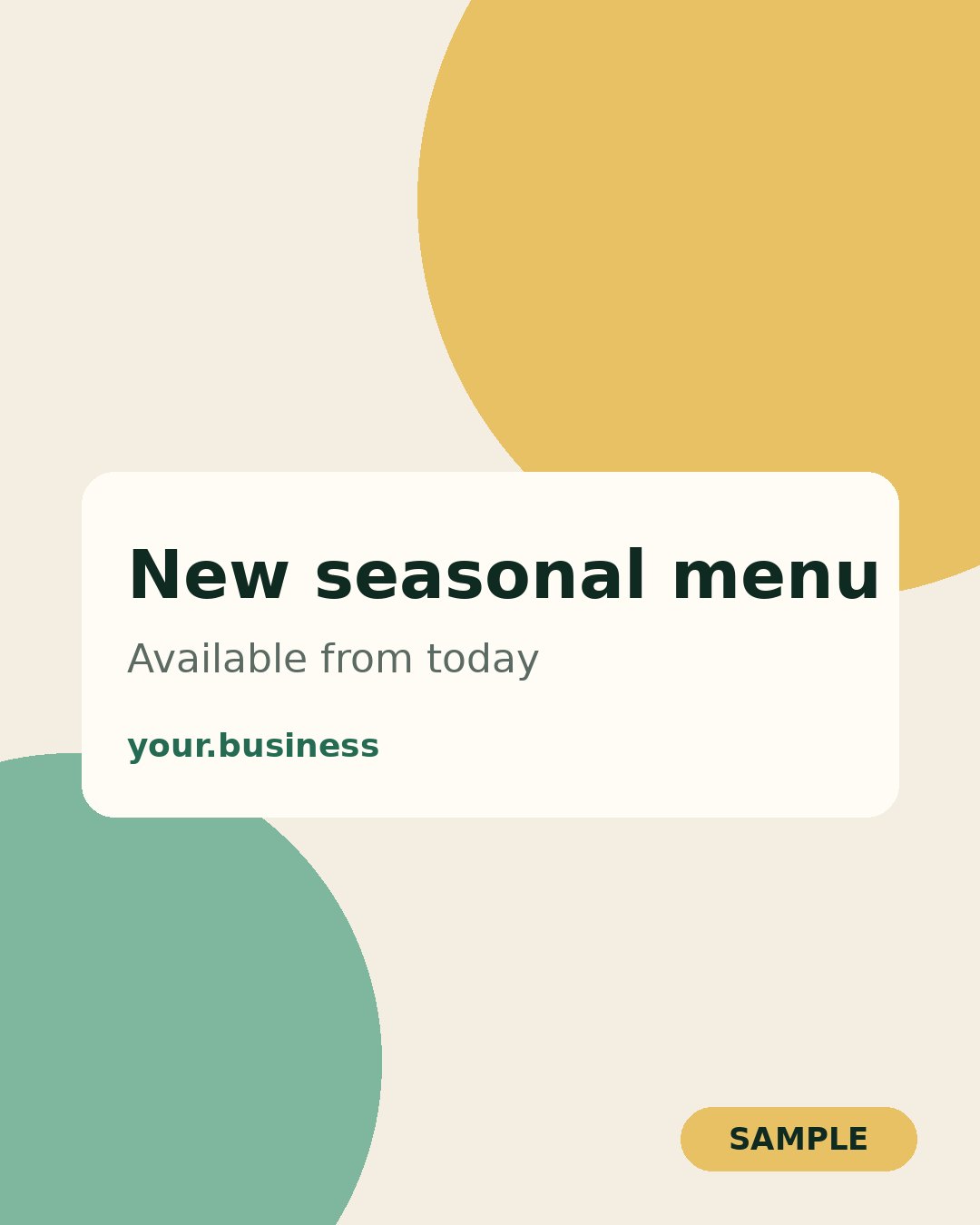
Upload an image and write the caption. We fit the image to Instagram's size rules without cropping it.
- 3
Review and approve
You see the post exactly as it will appear. You can edit or delete it.
- 4
Publish with your click
The post goes out only when you press “Publish to Instagram”, and you get its link straight away.
What we ask of your account, and why
instagram_business_basicTo show your account name, picture and latest posts in your dashboard, so you always know which account is connected.
instagram_business_content_publishTo publish the post you reviewed and pressed “Publish” on. One post per click.
Our commitments
- No publishing without your click on each post.
- Your access token is encrypted on our servers and shared with no one.
- Disconnect and delete your data whenever you like, in one click.
This is how you will use Nashrova
These are the same screens you see after connecting your account, shown with sample data. Press the buttons to move through the steps.
See how it works — no sign-up